Posts from January 2025

Peplum

3 min read

Peplum

I seem to be back in the swing of writing handy (for me) little terminal-based applications again. Having not long since released Braindrop (which I'm still working on and tinkering with; it'll get more features in the near future, for sure), I had an idea for another tool I'd like to have: something for looking through, searching, and filtering Python PEPs.

As with anyone who is interested in what's happening with Python itself, I subscribe to the RSS feed of the latest Python PEPs, but I also wanted something that would let me look back at older ones in a way that worked "just so" ("just so" being "what feels right for me", of course). Having finished the main work on Braindrop I realised that the general layout of its UI would work here, as would the filtering and searching approach I used.

From this idea Peplum was born!
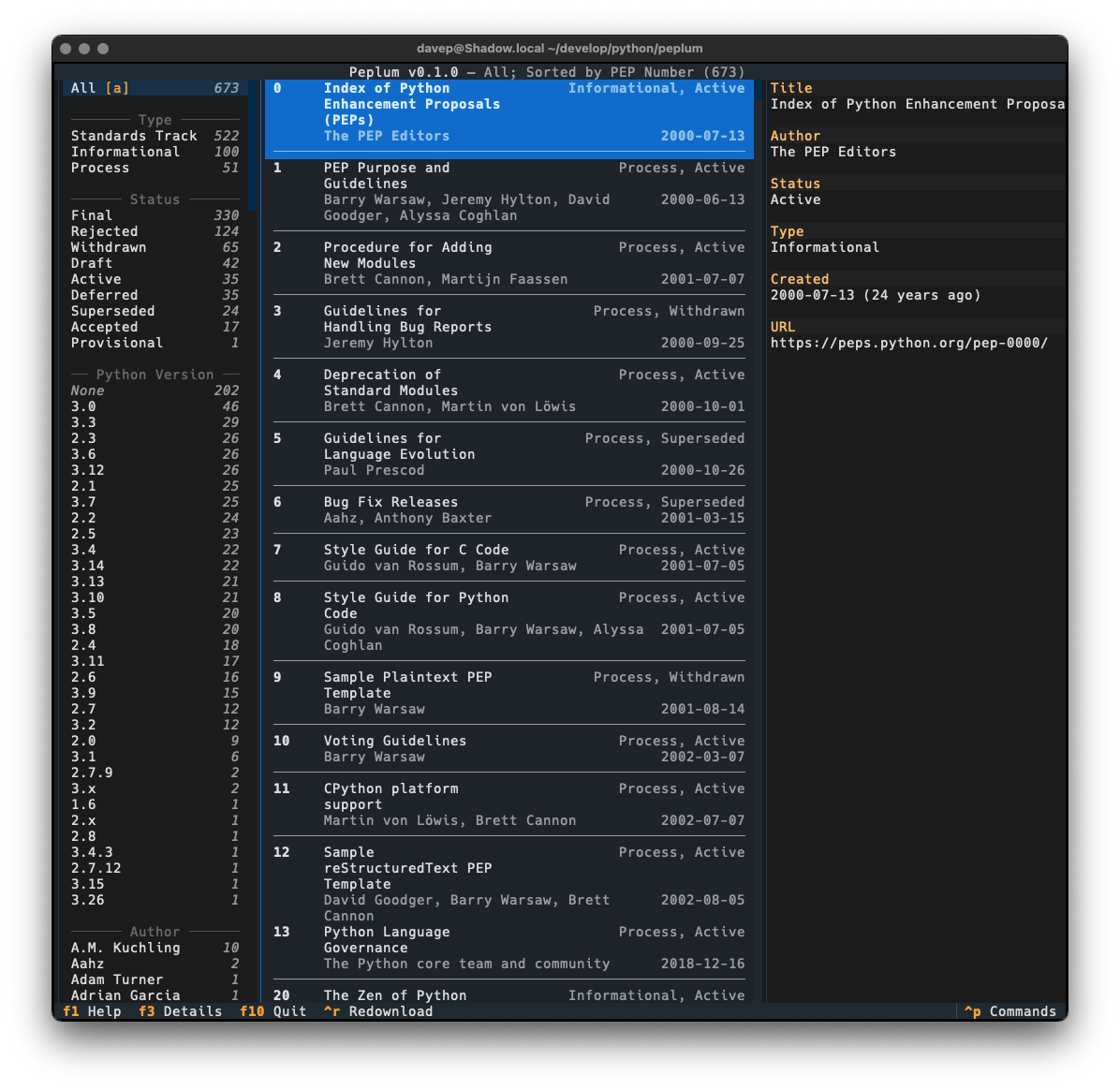
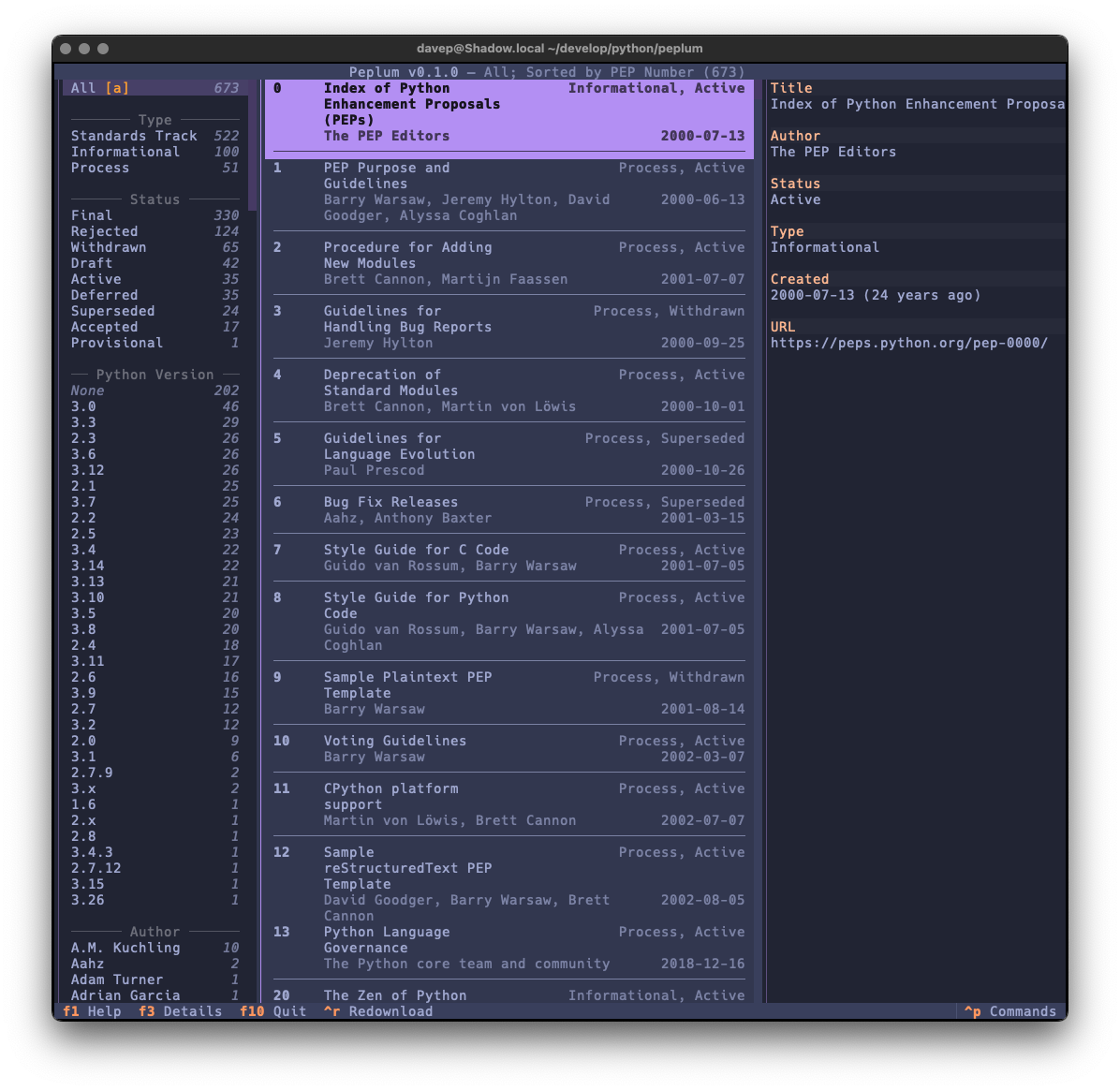
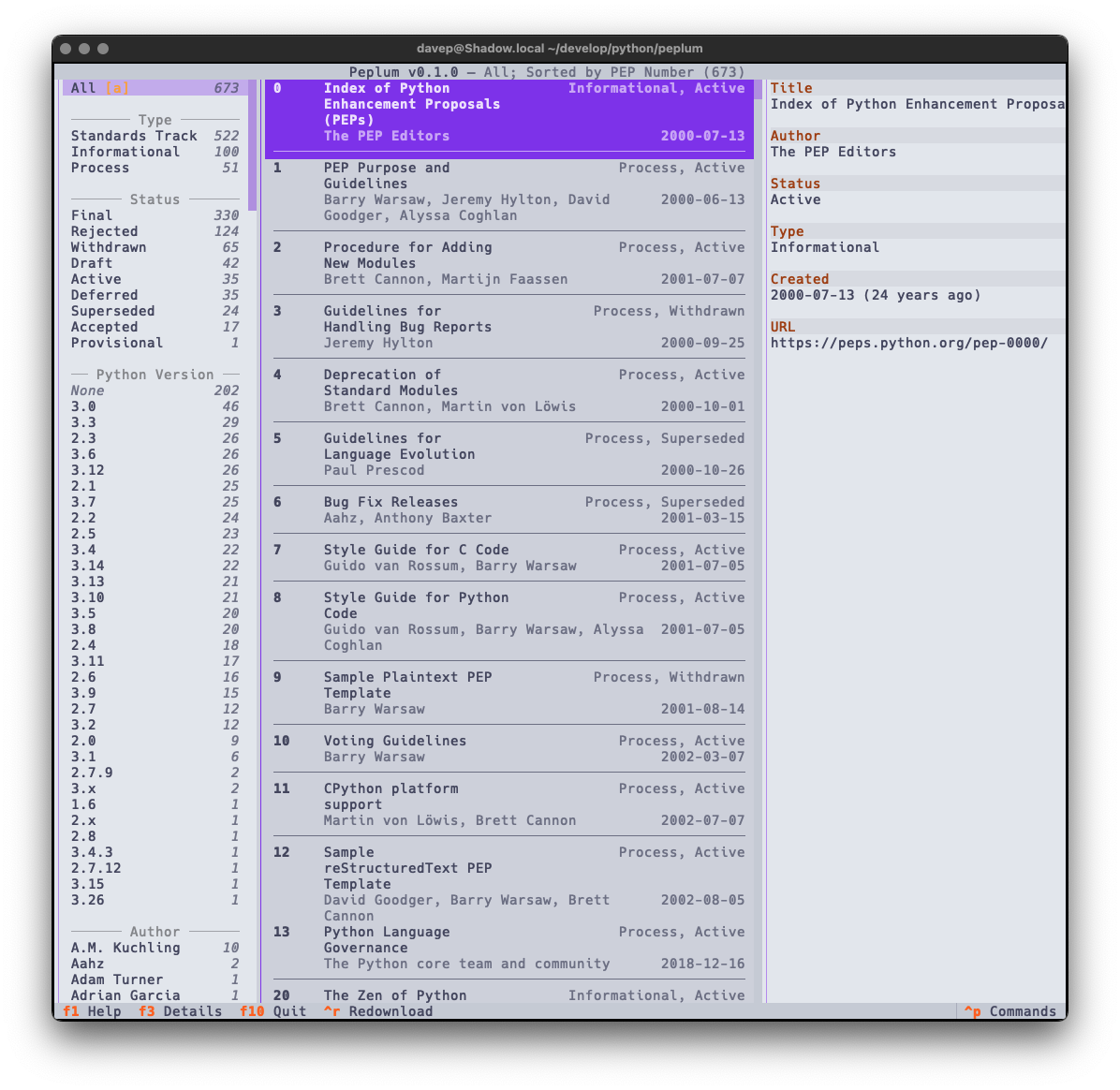
Peplum in action

In this first release I've simply concentrated on all things to do with grabbing the list of PEPs and presenting them in a useful way; adding various forms of filtering them; adding the ability to search the metadata; that sort of thing. I aim to keep developing this out over the next few weeks and months, adding things like the ability to make notes, to locally view the text of a PEP, perhaps even to mark PEPs as unread and read, etc.

As I mentioned earlier, much of the design was driven by what I did with Braindrop, so once again I've tried my very best to make it keyboard-friendly and as much as possible keyboard-first. This sometimes means having to work against how Textual works, but generally that isn't too tricky to do. I'm once again making heavy use of the command palette and also ensuring that all commands that have corresponding keyboard bindings are documented in the help screen.
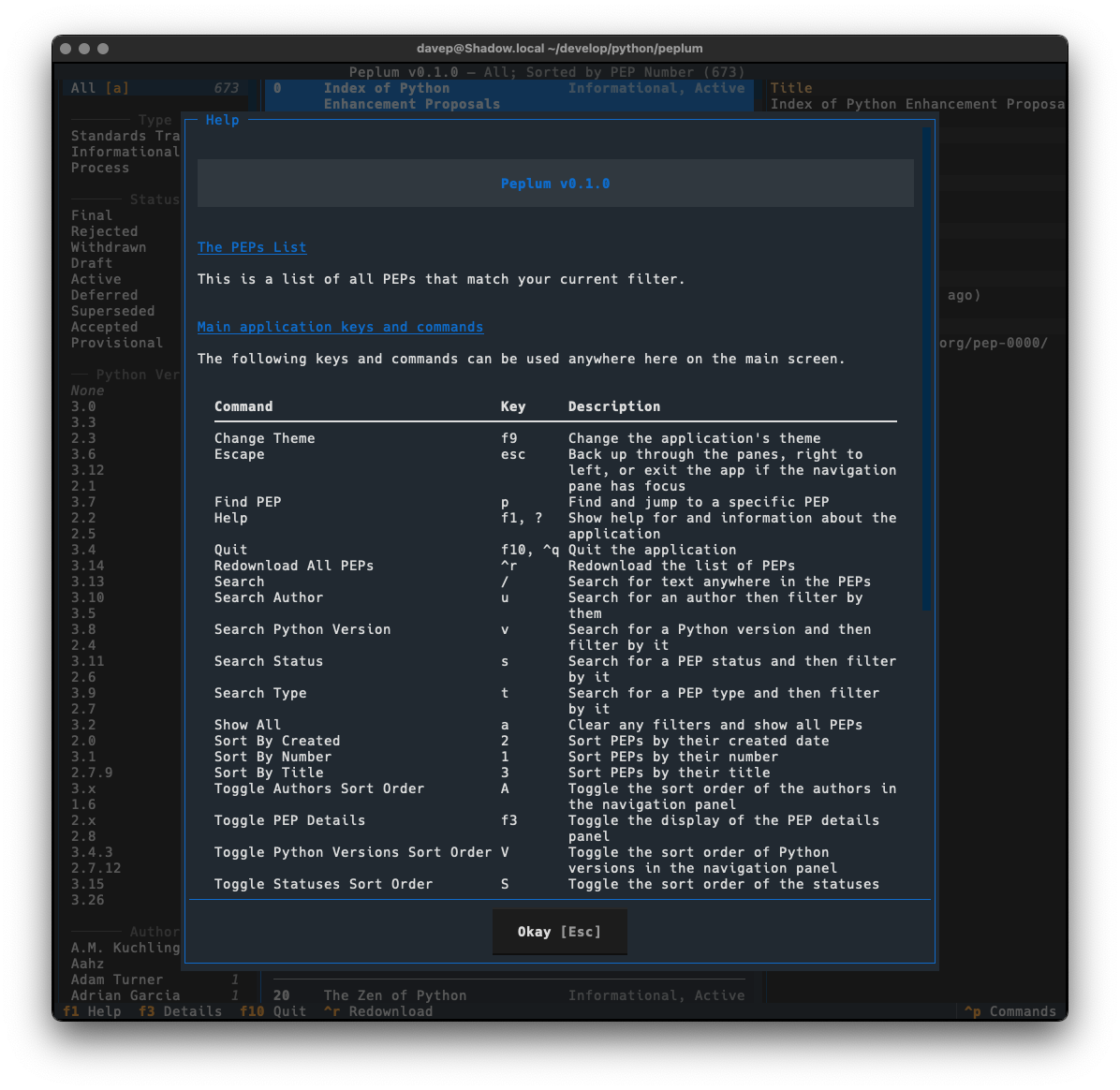
Peplum Help

There's enough common code between Peplum and Braindrop, when it comes to this aspect of building a Textual application, that I'm minded to spin it out into a little library of its own. I'm going to sit on this code for a wee while and see how it develops, but I can see me taking this approach with future applications and doing this will stop the need to copy and paste.

It might also be useful to others building with Textual.

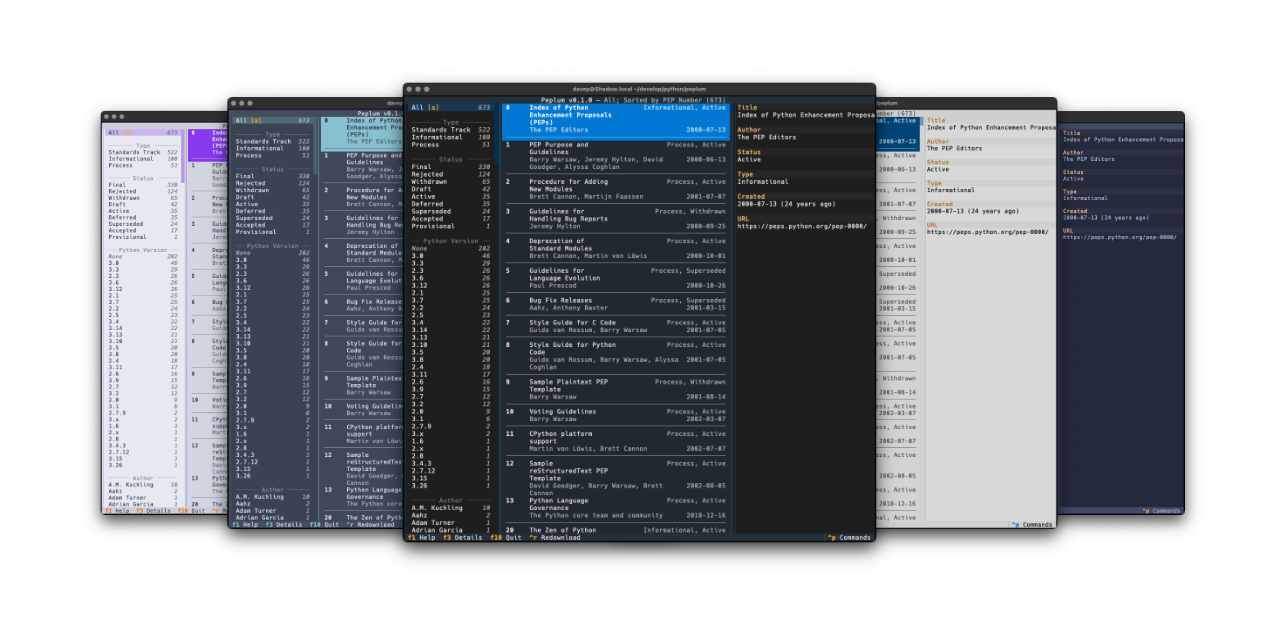
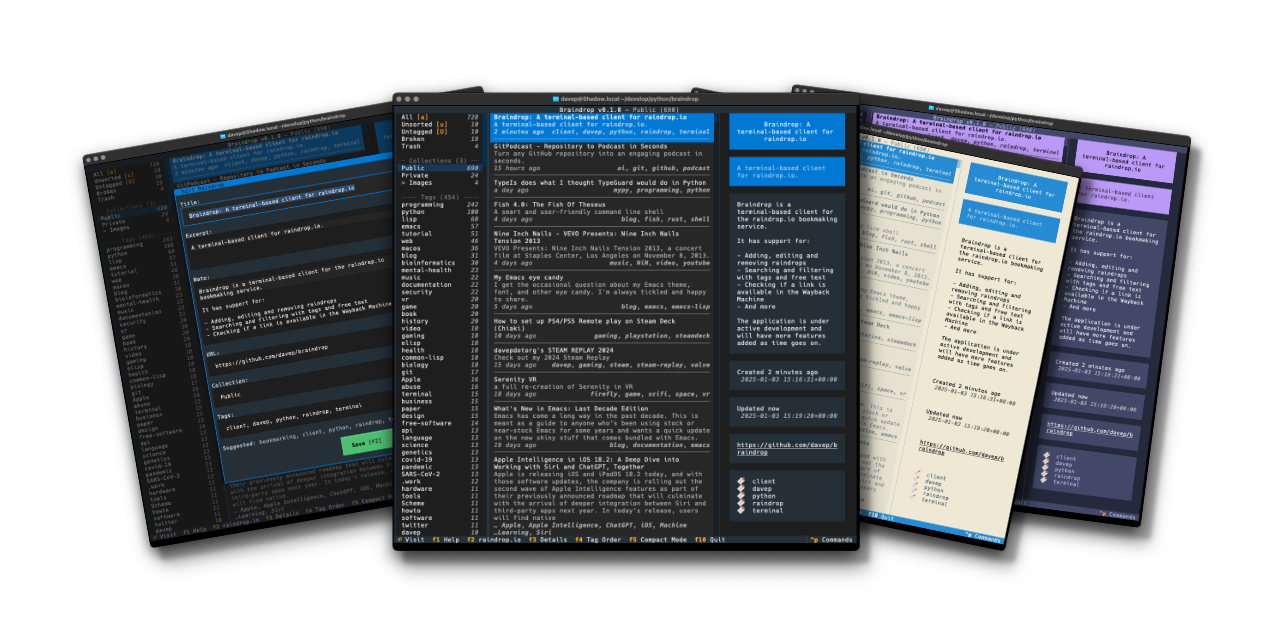
Also as with Braindrop, themes are a thing, and the theme setting is sticky so you can set it the once and stick with that you like. Here's some examples:
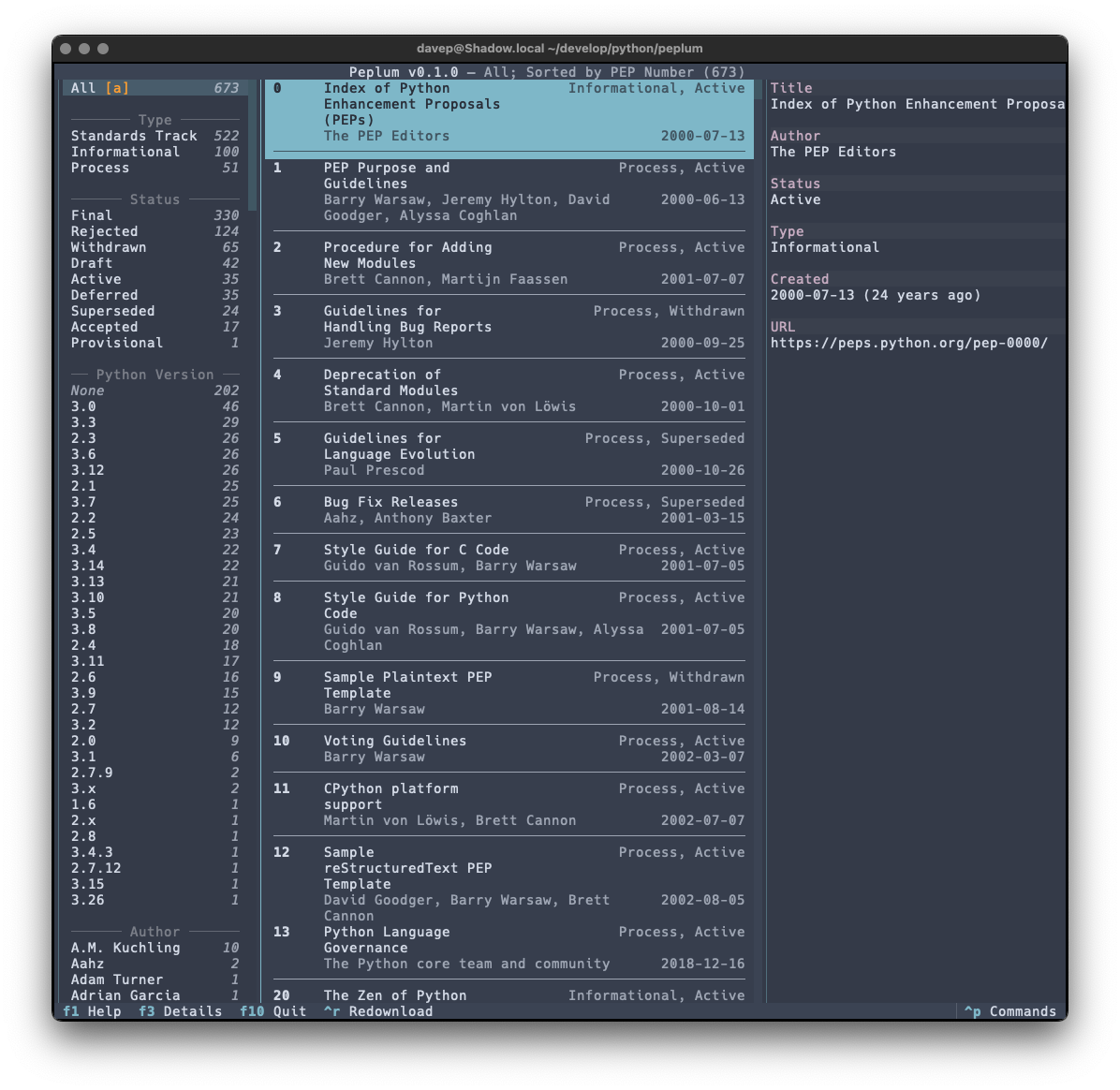
Nord Catppuccin Latte Tokyo Night

That's a small selection of the themes, with more to explore.

While working on this project I managed to find a couple more bugs in Textual, including a fun way to get transparent backgrounds to get out of sync and also a way to get an easy crash out of OptionList if it's set to width: auto.

What was even more fun was I sort of discovered a bug in the Python PEP API. Thanks to Hugo noticing my "huh, weird" post on Fosstodon, there's now an issue for it as well as a PR in the works. In retrospect I should have raised an issue myself; instead I fell into that "they obviously know what they're doing so it must be like this for a reason" trap.

Lesson relearned: it's always better to ask and get an answer, than to assume a thing is how it is for a reason you don't know; which I guess is a version of Linus' law really.

So that's v0.1.0 out in the wild. I'm pleased with how it's turned out and there's more to come. It's licensed GPL-3.0 and available via GitHub and also via PyPi. If you have an environment that has pipx installed you should be able to get up and going with:

$ pipx install peplum

It can also be installed with Homebrew by tapping davep/homebrew and then installing peplum:

$ brew tap davep/homebrew
$ brew install peplum

I'm going to be making good use of this and working on it more; I hope it's useful to someone else. :-)
Braindrop

4 min read

Braindrop

A touch over a year ago I did the initial work on an application called Tinboard, a terminal-based client for the Pinboard bookmarking service. I had a lot of fun building it and it was an application that I used on a near-daily basis. However, around August last year I realised it was time for me to move on from Pinboard and try something new; based on various recommendations I settled on Raindrop.

As mentioned in the other blog post, Raindrop offered more or less everything I had with Pinboard and so the move was fairly straightforward. The one thing that was missing though was an application similar to Tinboard.

So, late on last year, with my winter break approaching, I decided to start from scratch and build a "Tinboard for Raindrop", which I'm calling Braindrop.

This was going to be a bit of an adventure too. Since being laid off from Textualize earlier in 2024 I'd not been following its development quite as closely as I used to, and had also run into some issues and bugs with it since that time; moreover, as well as various bugs appearing, some breaking changes had also been made. As such this was going to be a process where I'd wrap my head around what's happened with the framework over the prior six months or so.

Given all this, over the past couple of weeks I've been spending a few hours a day doing some for-pleasure coding and v0.1.0 of Braindrop is the result.

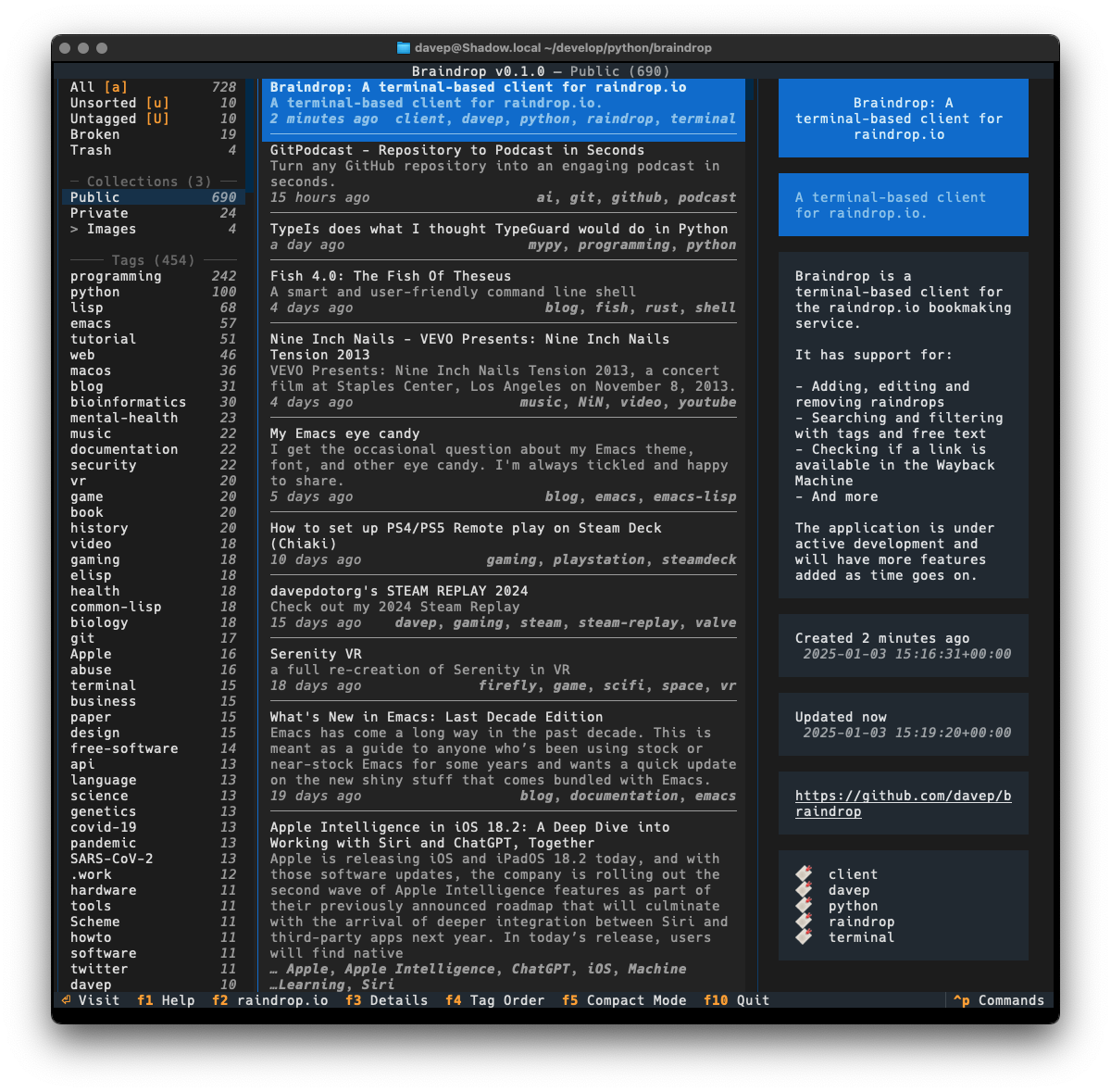
Main display

As much as possible I've tried to keep the look and feel similar to that of Tinboard, while also doing my best to avoid some of the "ah, I wish I hadn't done it this way" design decisions I'd made. As of the time of writing I'm very pleased with the result.

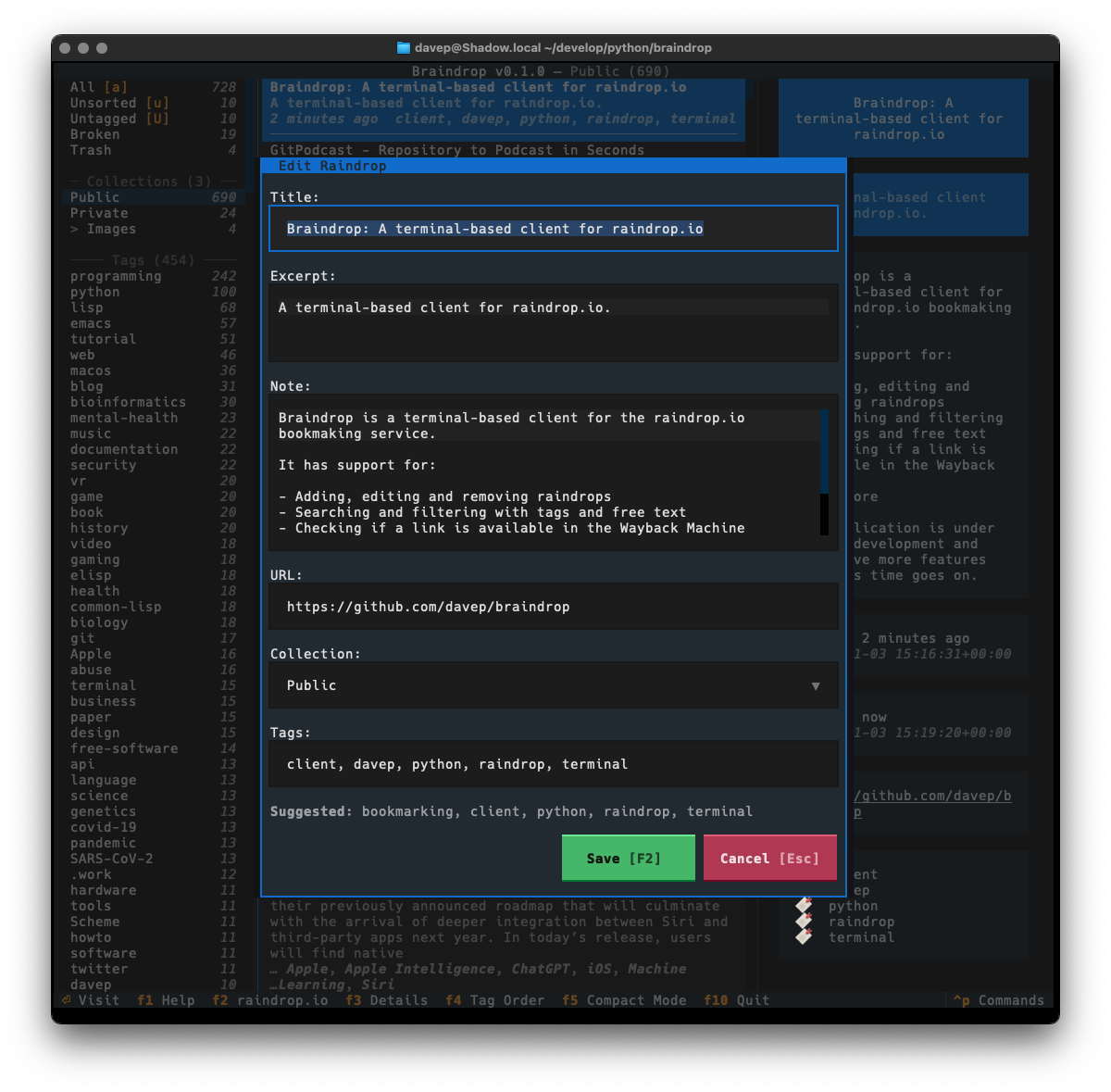
The edit dialog

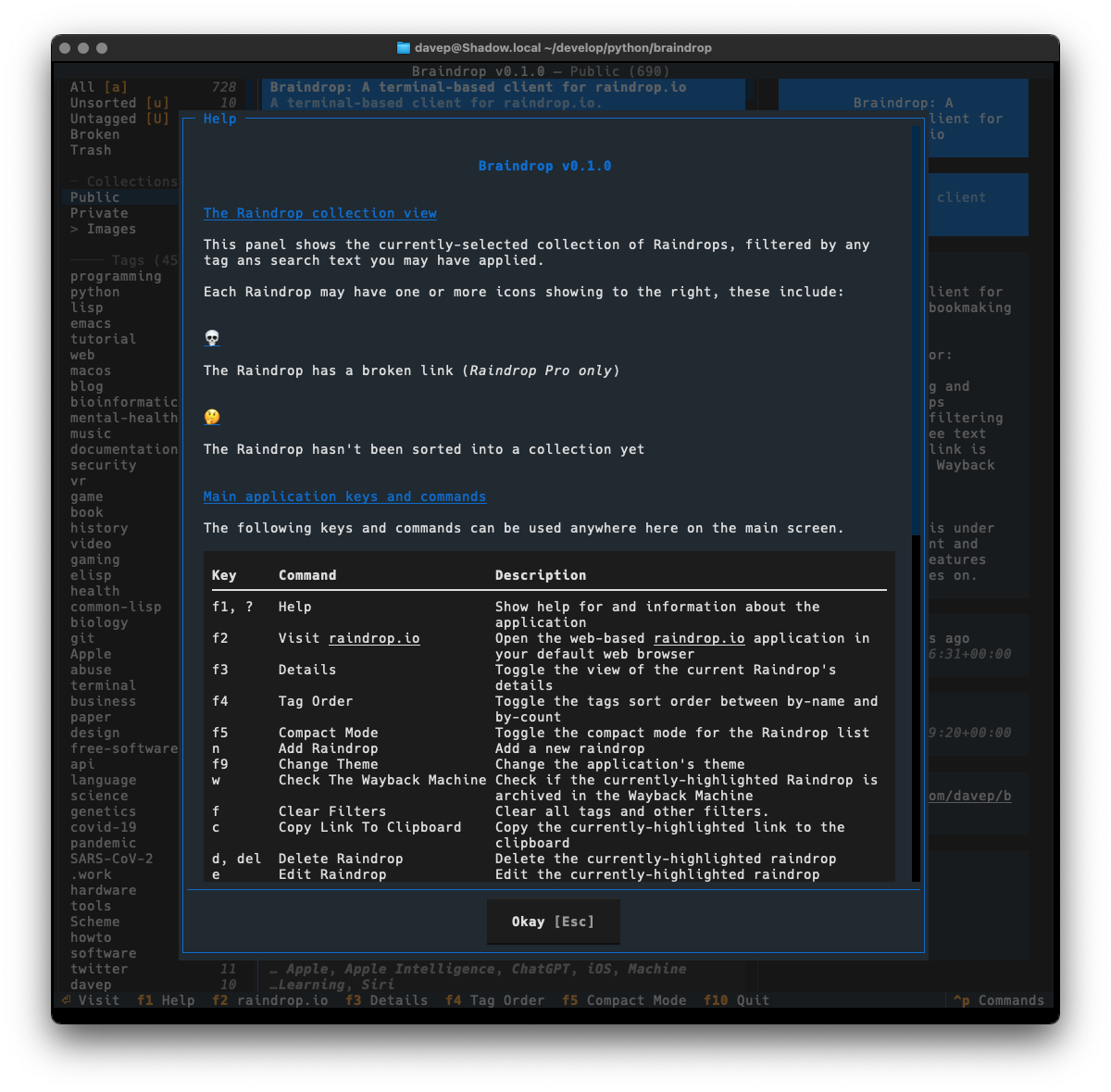
One thing I did want to do is ensure that the application was as keyboard-friendly as possible, while also still allowing use of the mouse. Textual can sometimes get that wrong and I ran into an example of this while trying to ensure that there's good in-application help. Somewhat recently Textual added a built-in help system which, sadly, can't easily be used by and navigated by someone using the keyboard. So instead I've recreated the help system I built into Tinboard, while adopting the documentation standard that Textual had settled on (which, coincidentally, was kind of similar to what I did in Tinboard to start with).

The help dialog

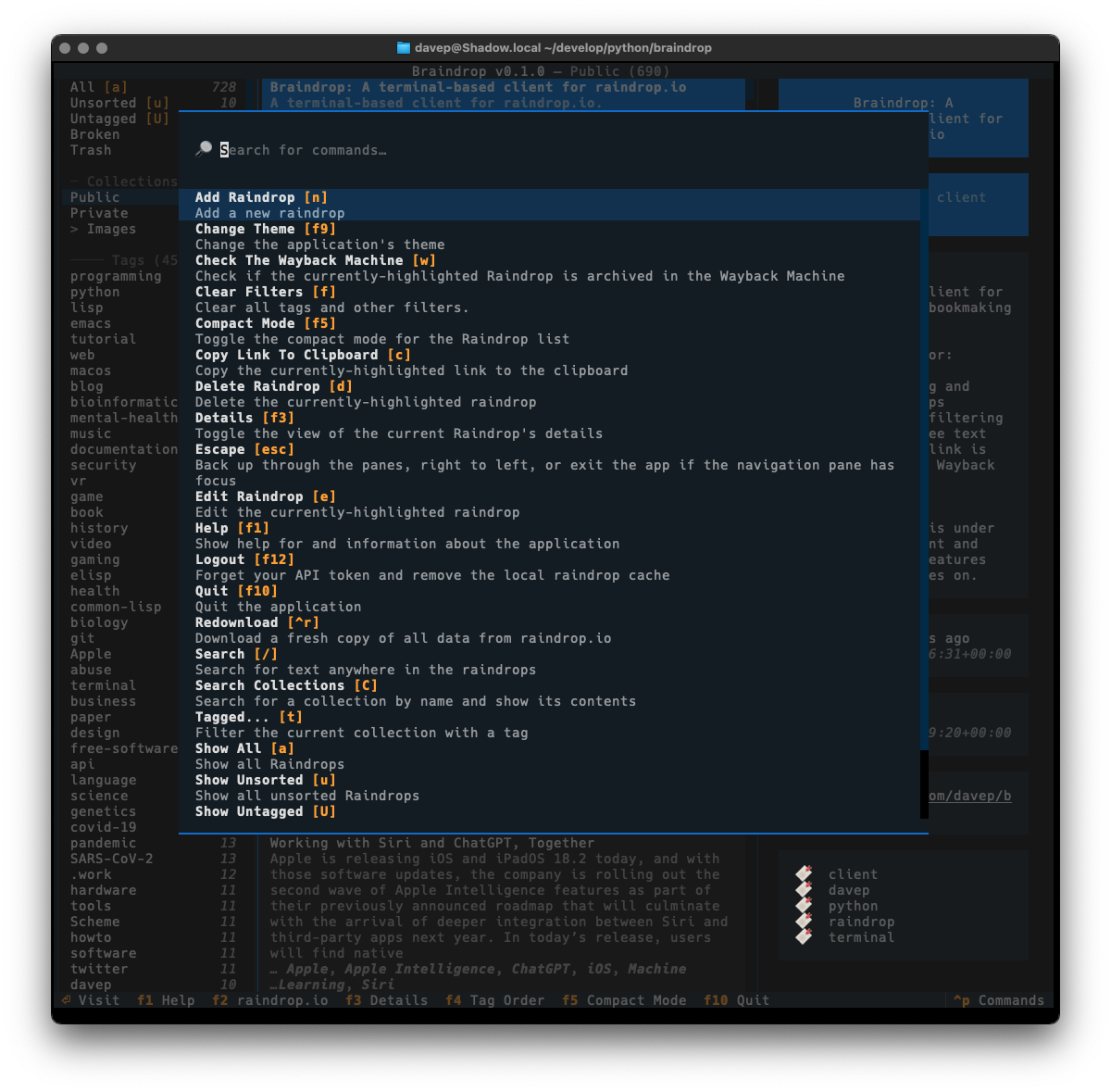
As with Tinboard, I've also made sure to make full use of the command palette, with every action that makes sense having a keyboard hotkey as well as a command in the palette. I also took things a little further and made sure that the hotkeys are shown in the command palette for easier discovery.

The command palette

I've also made sure that Textual's new theme system is available for easy use; so out goes dark/light mode toggling and in comes a collection of different themes. Here's a wee selection as an example:

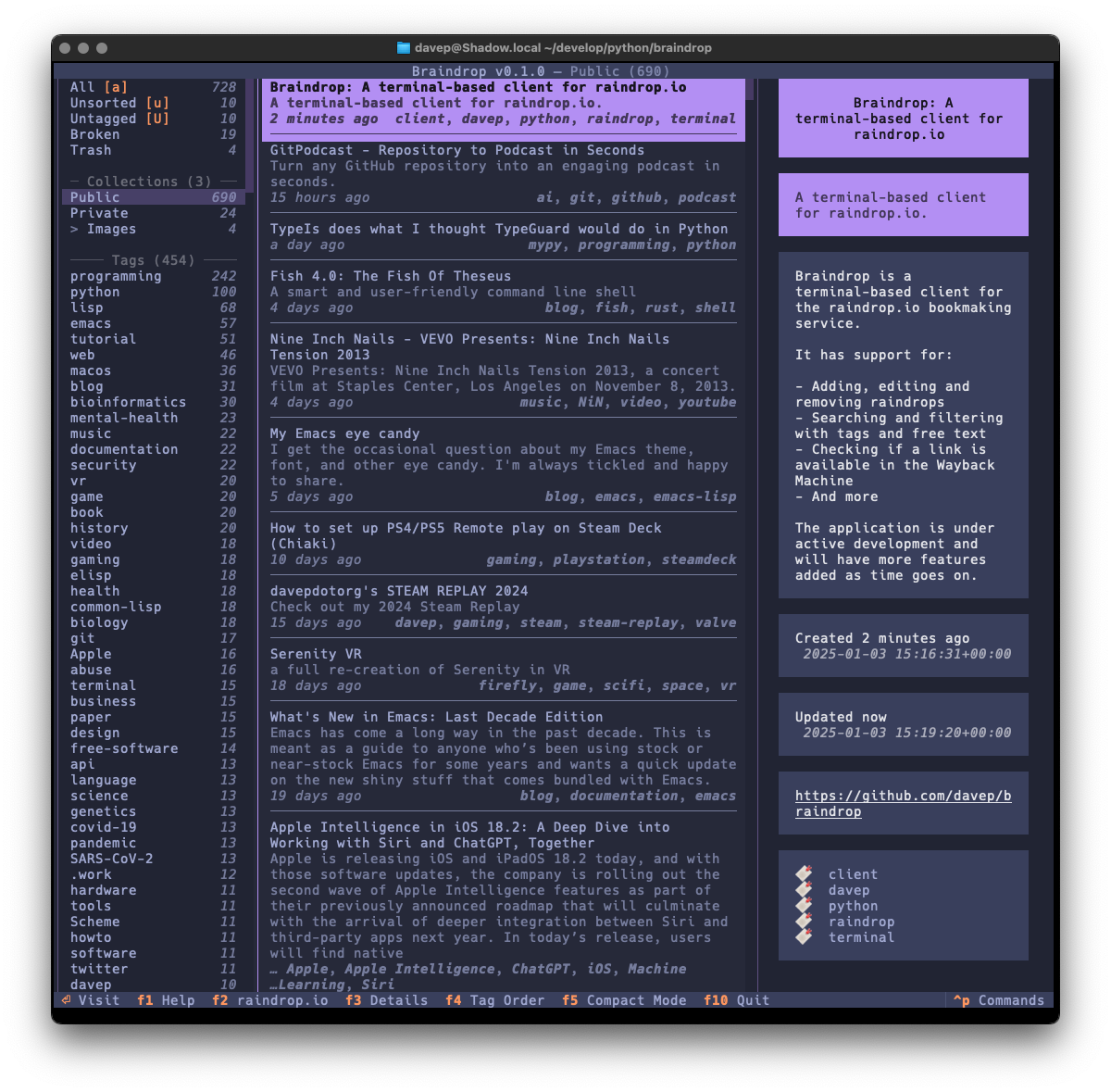
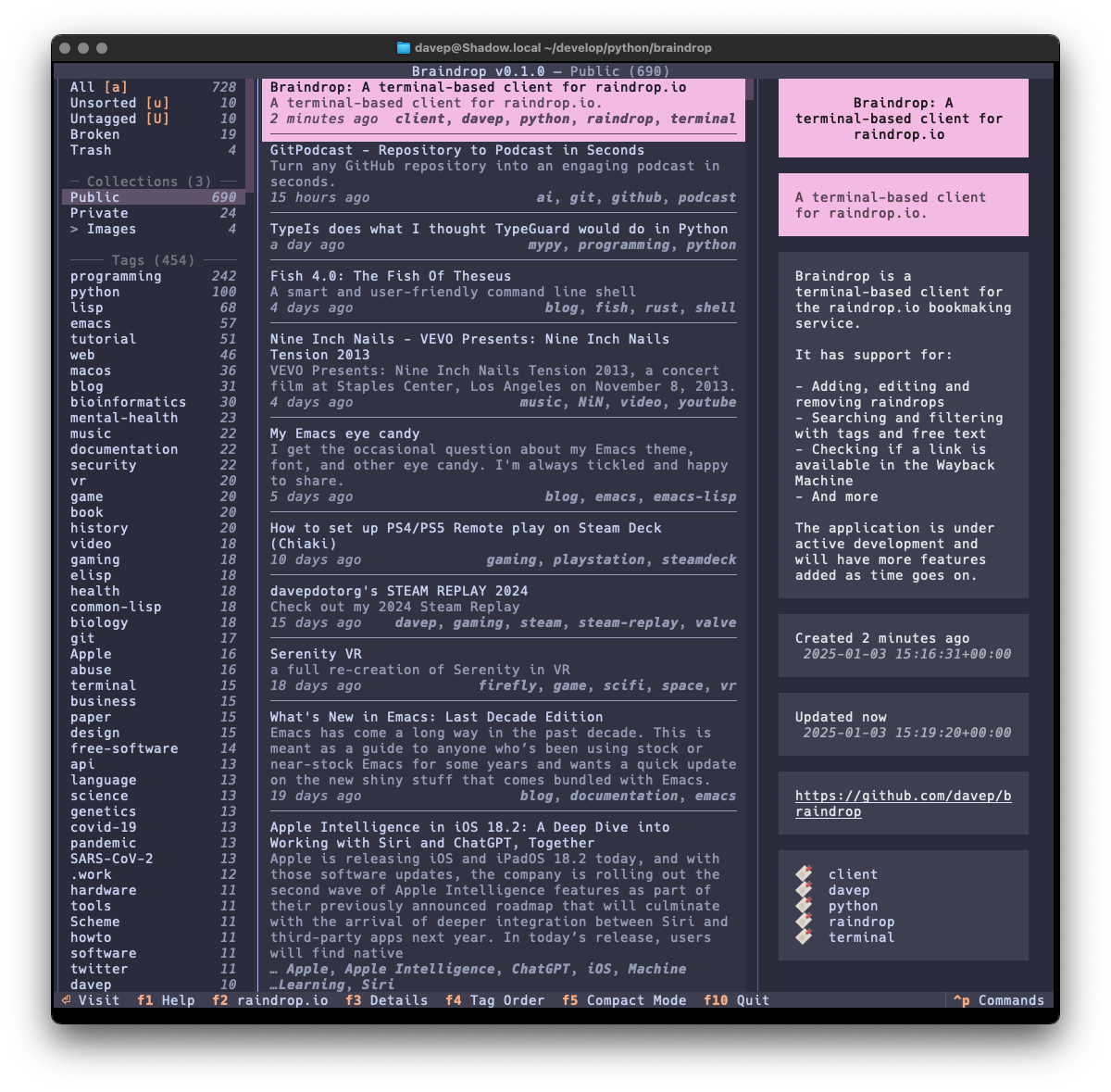
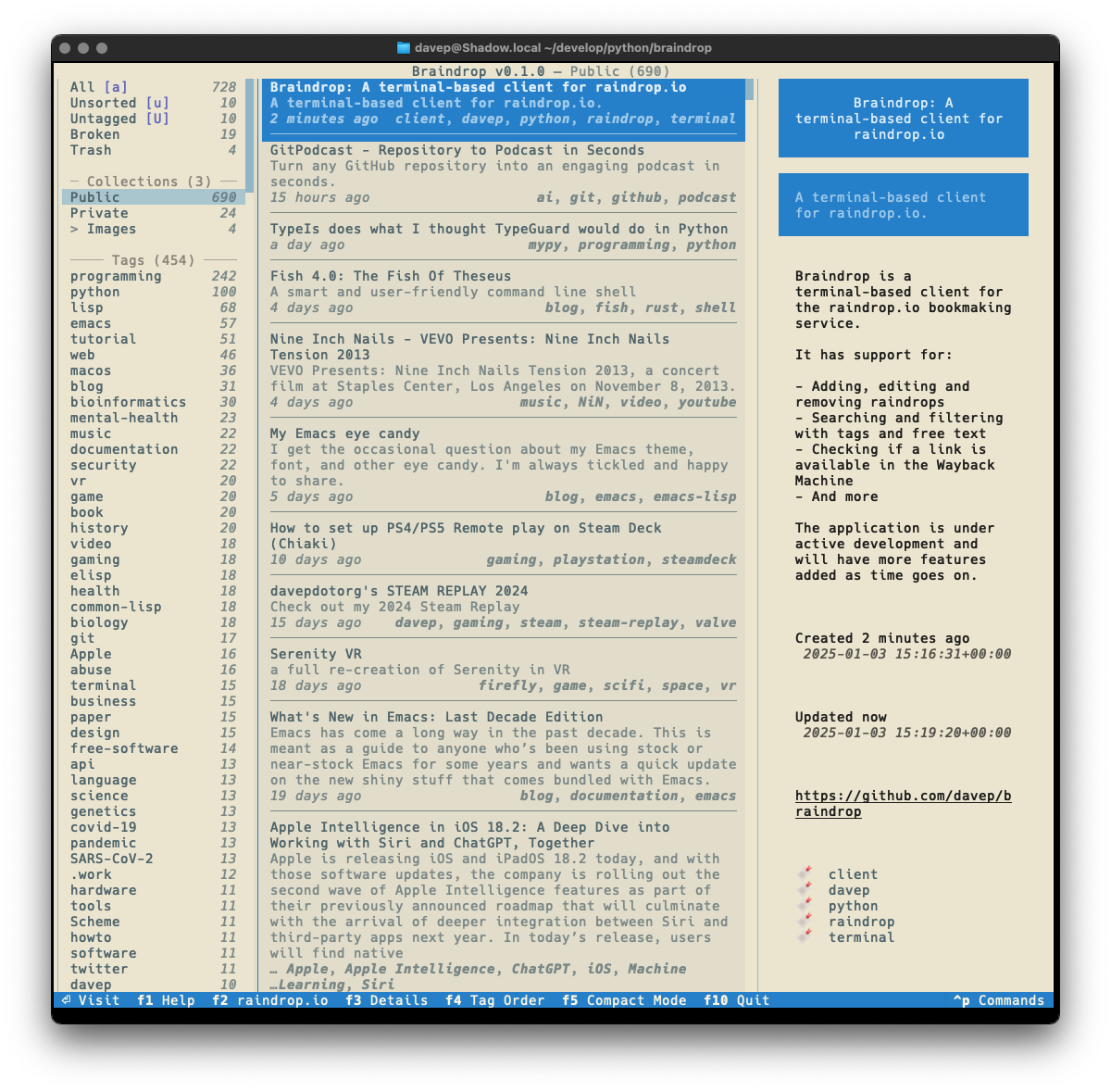
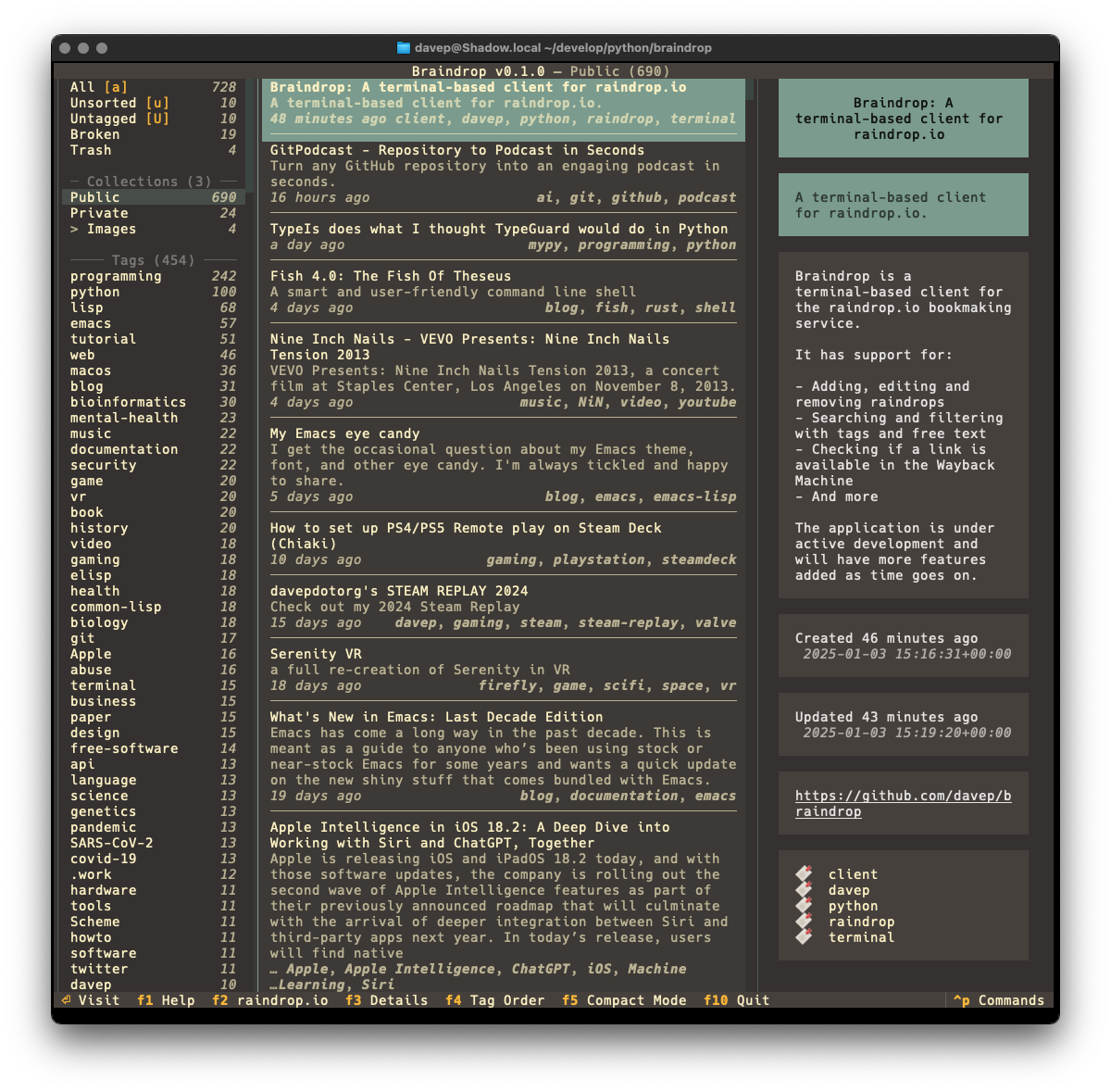
Example theme 1 Example theme 2 Example theme 3 Example theme 4

That's a small selection of the themes, with more to explore.

There's a few more things I want to do before I consider the application v1.0-ready, but it's already in use by me and working well. As I decide what else I want to add to it I'm building up a list of TODO items.

Given that my day job these days is quite varied, isn't quite so coding-intensive, and isn't always related to all things Python, it's actually been fun to sit down and hack up a pure Python application from scratch again. It's also helped me discover a couple or so fresh bugs in Textual (which I've reported, of course) and given me the opportunity to PR some trivial fixes as I've noticed typos and stuff as I go.

Anyway; that's v0.1.0 out in the wild. I'm pleased with how it's turned out and there's more to come. It's licensed GPL-3.0 and available via GitHub and also via PyPi. If you have an environment that has pipx installed you should be able to get up and going with:

$ pipx install braindrop

It can also be installed with Homebrew by tapping davep/homebrew and then installing braindrop:

$ brew tap davep/homebrew
$ brew install braindrop

I hope this is useful to someone else. :-)